Keep structure visible
WBS rows, parent tasks, milestones and dependencies make the master schedule easier to review than a flat list.
Fa adwuma nhyehyɛe kɛse no mu nsɛm, nea ɛde wɔn ho to ho ne akwankyerɛ nsɛntitiriw bom yɛ adwuma wɔ dan so Takt nhyehyɛe hwɛbea a ɛde adwumayɛbea adan ankasa, nnwumakuw, dwumadi ne nhyehyɛe nsɛm di dwuma mu.
Use the Twa mu for structured programme kyerɛwtohɔ ahorow and the takt board for Pia mu-Ɔpɛpɔn production planning.
ArchiMeshseparates the Ɔsoro-Ɔpɛpɔn Nhyehyɛeɛ kyerɛwtohɔ Efi the production planning Hwɛ while keeping both inside Dwumadie No. Ɔde ne nsa kyerɛɛ ne so. Ɔde ne nsa kyerɛɛ ne so. Ɔde ne nsa kyerɛɛ ne so controlling.
Twa mu, Nsɛm a wɔaboaboa ano and Twa mu Ntoatoaso withWBSIDs, Twa mu, Adwumakuo, Adwuma ahorow mu nkyekyɛmu, Wɔayɛ ho nhyehyɛe Nna a wɔde yɛ adwuma, Twa mu Nna a wɔde yɛ adwuma and Nkɔso a aba.
Use predecessor and successor fields and dependency drawing to keep schedule relationships visible on the timeline.
Use Ɔdansi dan, Ɔpɛpɔn and Pia mu Ntoatoaso, assigned Planos and Adwumakuo-colored activity bars kɔ coordinate Zona-based work.
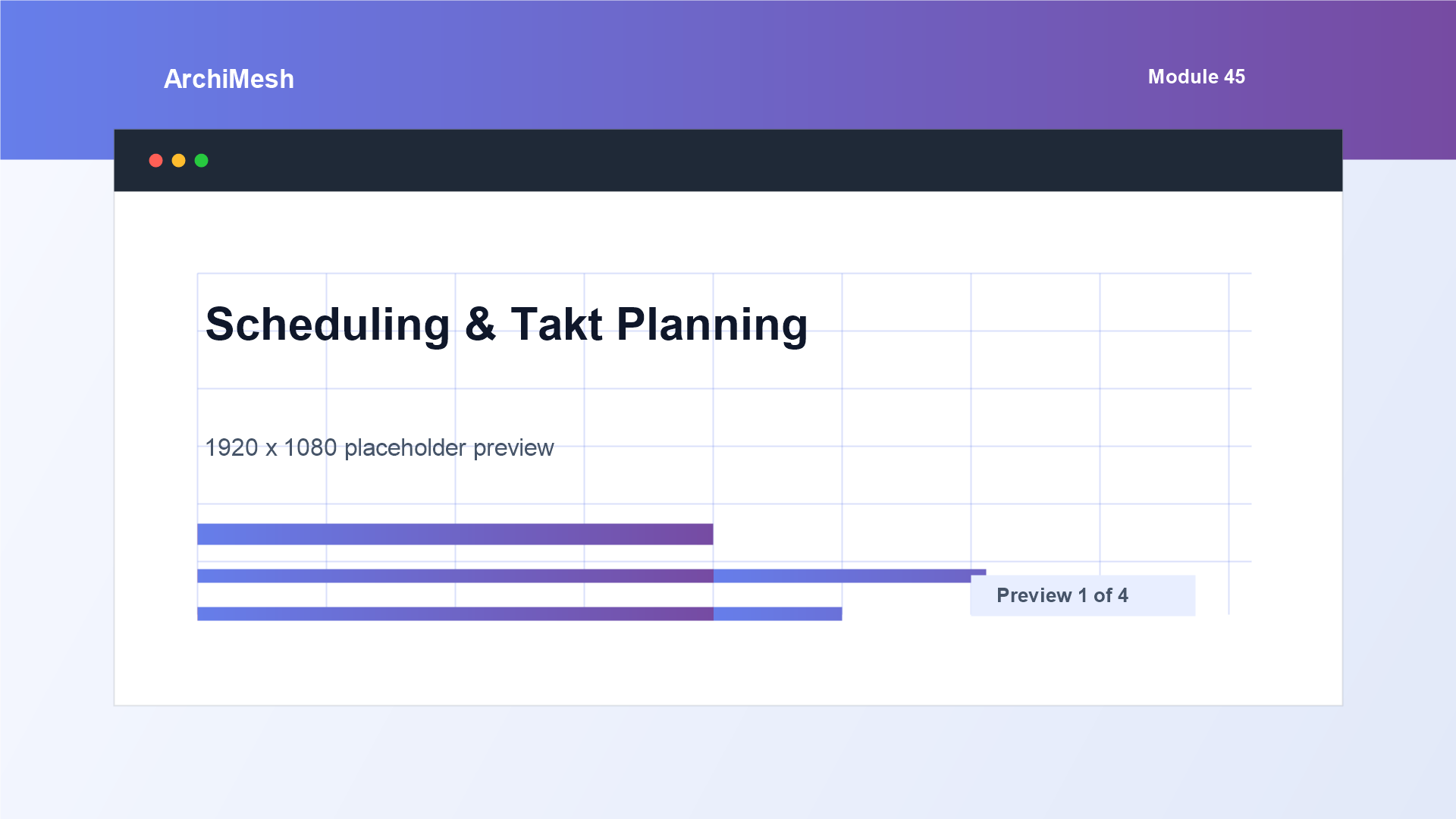
Hwɛ adwuma nhyehyɛe kɛse, Takt ho nsɛm ne nhyehyɛe nsɛm wɔ ɔkwan koro a wɔde kyerɛ mu.
The planning tools are useful when the same Dwumadie No. Ɔde ne nsa kyerɛɛ ne so. Ɔde ne nsa kyerɛɛ ne so. Ɔde ne nsa kyerɛɛ ne so needs a structured programme and a practical Pia mu-by-Pia mu activity Hwɛ.
WBS rows, parent tasks, milestones and dependencies make the master schedule easier to review than a flat list.
The Nhyehyɛeɛ Hwɛ supports separate Wɔayɛ ho nhyehyɛe and Twa mu Da fields without losing the Twa mu kyerɛwtohɔ.
Taktplanning uses Dwumadie No. Ɔde ne nsa kyerɛɛ ne so. Ɔde ne nsa kyerɛɛ ne so. Ɔde ne nsa kyerɛɛ ne so Pia Ahorow and Adwumakuo-colored Dwumadi ahorow so short-cycle work can be coordinated by Beaeɛ.
Nhyehyɛeɛ and takt data sits near Nkɔsoɔ ho nhyehyɛeɛ, notices, Aguadi kyerɛwtohɔ ahorow and Dwumadi Hwehwɛ.
Fa Scheduling ne Takt Planning di dwuma bere a date logic ne location-based production planning hia sɛ wɔhwɛ bom. Master schedule tasks, WBS, nneɛma a ɛgyina so, milestones, nna a wɔahyɛ, nna ankasa, adan so takt dwumadi ne plan nsɛm boa akuw ma wɔde programme nhyehyɛe bata beae a adwuma no kɔ so ho.
ArchiMeshconnects Dwumadie No. Ɔde ne nsa kyerɛɛ ne so. Ɔde ne nsa kyerɛɛ ne so. Ɔde ne nsa kyerɛɛ ne so planning, Nkɔso a aba kyerɛwtohɔ ahorow, Aguadi control, Nwoma a Wɔde Di Dwuma and Dwumadie No. Ɔde ne nsa kyerɛɛ ne so. Ɔde ne nsa kyerɛɛ ne so. Ɔde ne nsa kyerɛɛ ne so-wide Hwehwɛ mu in one construction management Adwumayɛbea.
Fi sɔhwɛ a wontua hwee ase