Map real responsibility
Nodes store names, roles and companies, with optional links to users.
Build interactive project organization charts or upload existing chart files, with nodes, roles, companies, reporting connections, canvas drawings and reusable file viewing.
The module stores chart records, interactive nodes, connections, user links, node labels, roles, companies, positions, paper settings, node scale, canvas icons, drawings and uploaded chart files.
Organizational Charts gives project teams a dedicated place to maintain reporting and responsibility structures.
Start with an interactive canvas or upload an existing chart file for viewing.
Use user-linked nodes or free text labels with role and company fields.
Position nodes on the canvas, add connections, use icons or drawings and save the chart settings.
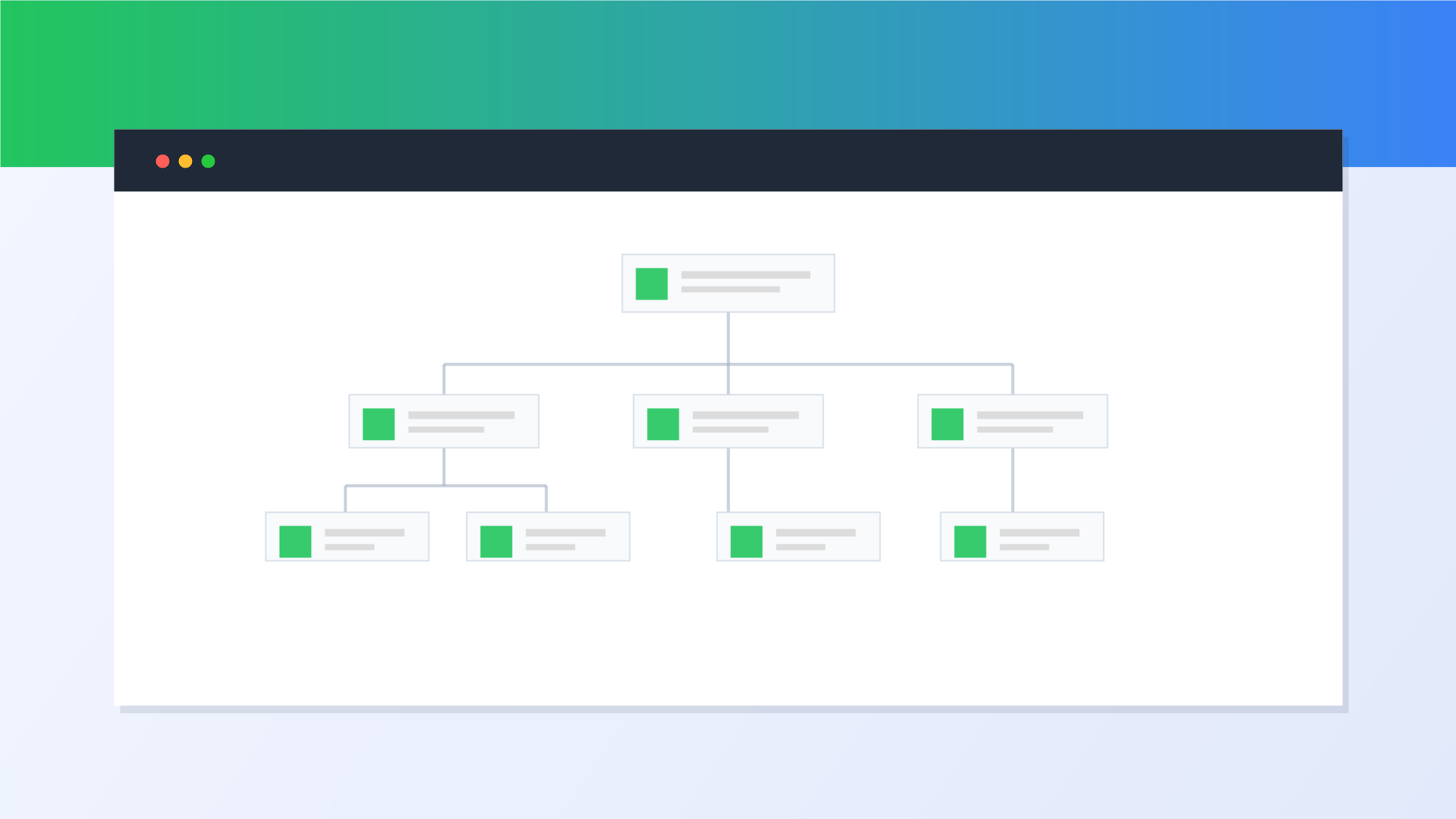
The module supports both live editable charts and uploaded files when a project already has an approved chart document.
Responsibility maps are easier to trust when they are stored with the project and can be updated as teams change.
Nodes store names, roles and companies, with optional links to users.
Uploaded charts are supported for teams that already maintain approved PDF or image charts.
Interactive charts preserve node positions, connections, paper setup, scale, icons and drawings.
Use this module alongside related ArchiMesh workflows instead of duplicating the same project facts in disconnected tools.
ArchiMesh connects field records, documents, people, safety, commercial workflows, communication and AI support in one construction project management platform.
Start Free Trial