Plan by hour
The data model stores each hour separately, so partial-day planning is possible.
Plan workforce availability by person, day and hour with configured workday statuses, work minutes, break minutes, shift context and saved roster history.
Use project workforce rows and hourly entries with work date, status, work minutes, break minutes, updater and change history.
Workforce Roster is designed for planned attendance visibility across project users and time slots.
Use project users as roster rows and show date columns with 24 hourly cells per day.
Apply configured workday statuses to hour cells with work and break minute values.
Persist roster entries and store before/after changes in the roster entry history table.
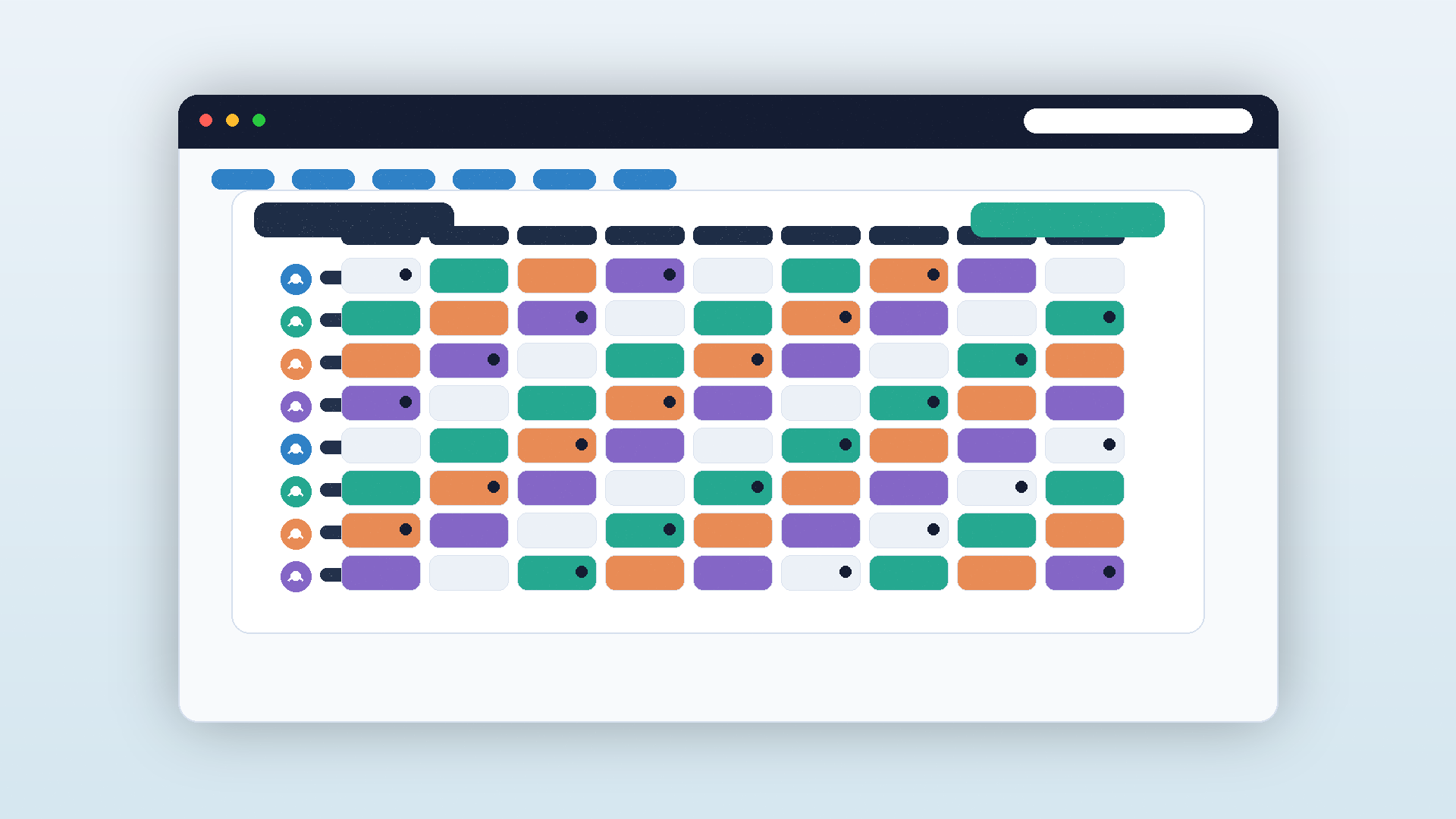
The roster grid supports practical planning by status, shift window and hourly visibility.
Roster data is most useful when it is structured enough for downstream workforce and timesheet workflows.
The data model stores each hour separately, so partial-day planning is possible.
Project workday statuses drive the cells instead of hard-coded labels.
Roster entry history records status and minute changes with the updater.
Use this module alongside related ArchiMesh workflows instead of duplicating the same project facts in disconnected tools.
Use Workforce Roster when user-level workday planning needs hour-by-hour status. Work minutes, break minutes, shift context, dates and roster history help project teams understand planned availability without relying only on timesheets after the work has happened.
ArchiMesh connects field records, documents, people, safety, commercial workflows, communication and AI support in one construction project management platform.
Start Free Trial